Transactions
Transactions
Envelope funding
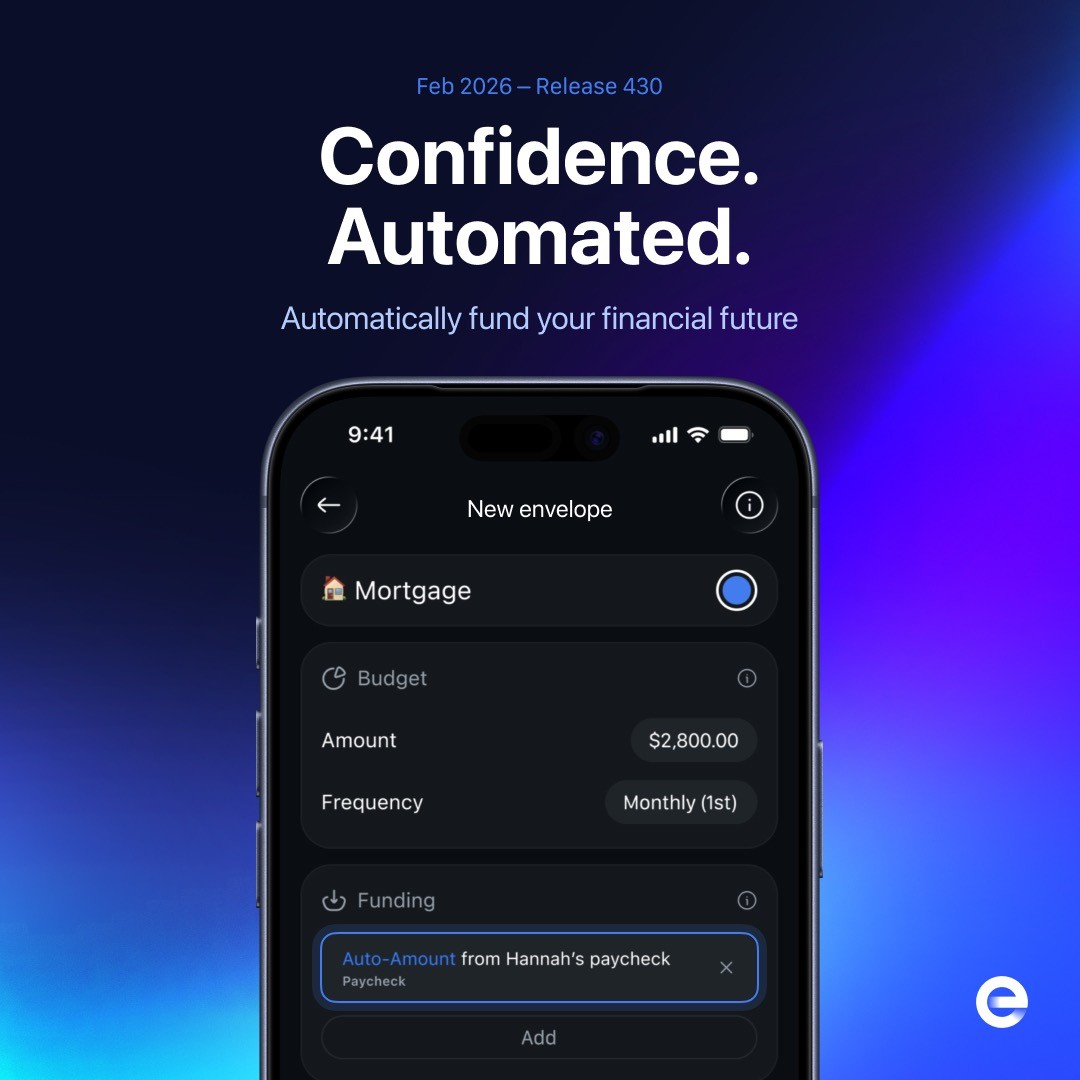
Funding rules move money from Available into envelopes. You can use fixed amounts when you know exactly how much to move or Auto-Amount when you want Envelope to calculate what is needed.
Fixed-amount funding
Use a fixed rule when you want to move a specific amount on a schedule. Envelope supports rules such as:
Daily or weekly funding
Every-two-week funding
Monthly funding, including multiple dates in the same month
Every two, three, four, or six months
Annual funding
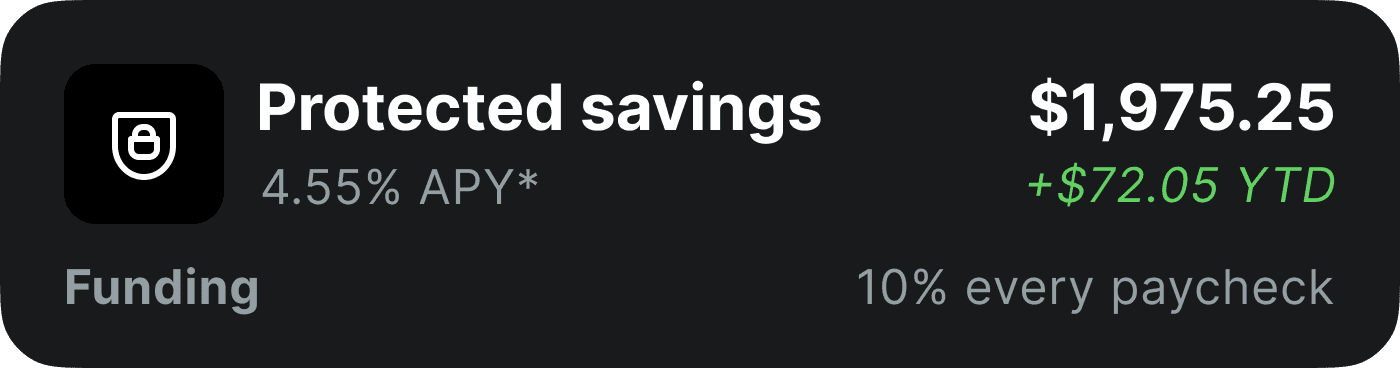
A fixed amount or percentage from each paycheck
Message support if you need a special frequency, like "Every 3 weeks" for your Dog Food envelope.
Daily funding
Weekly funding

Paycheck funding
Budgets and due dates
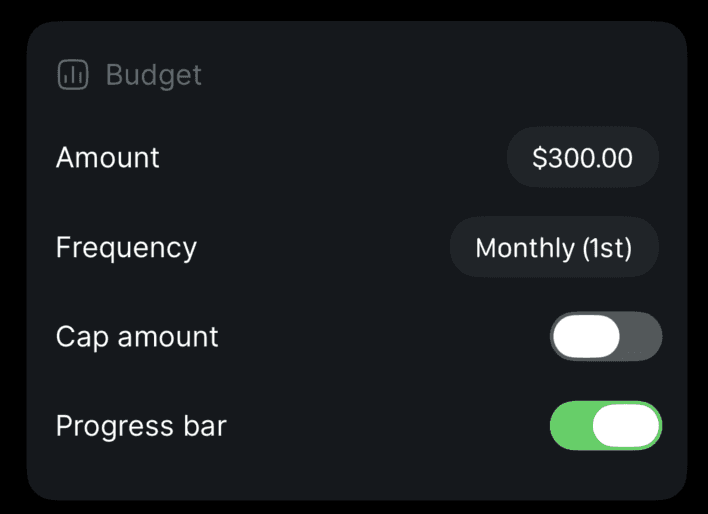
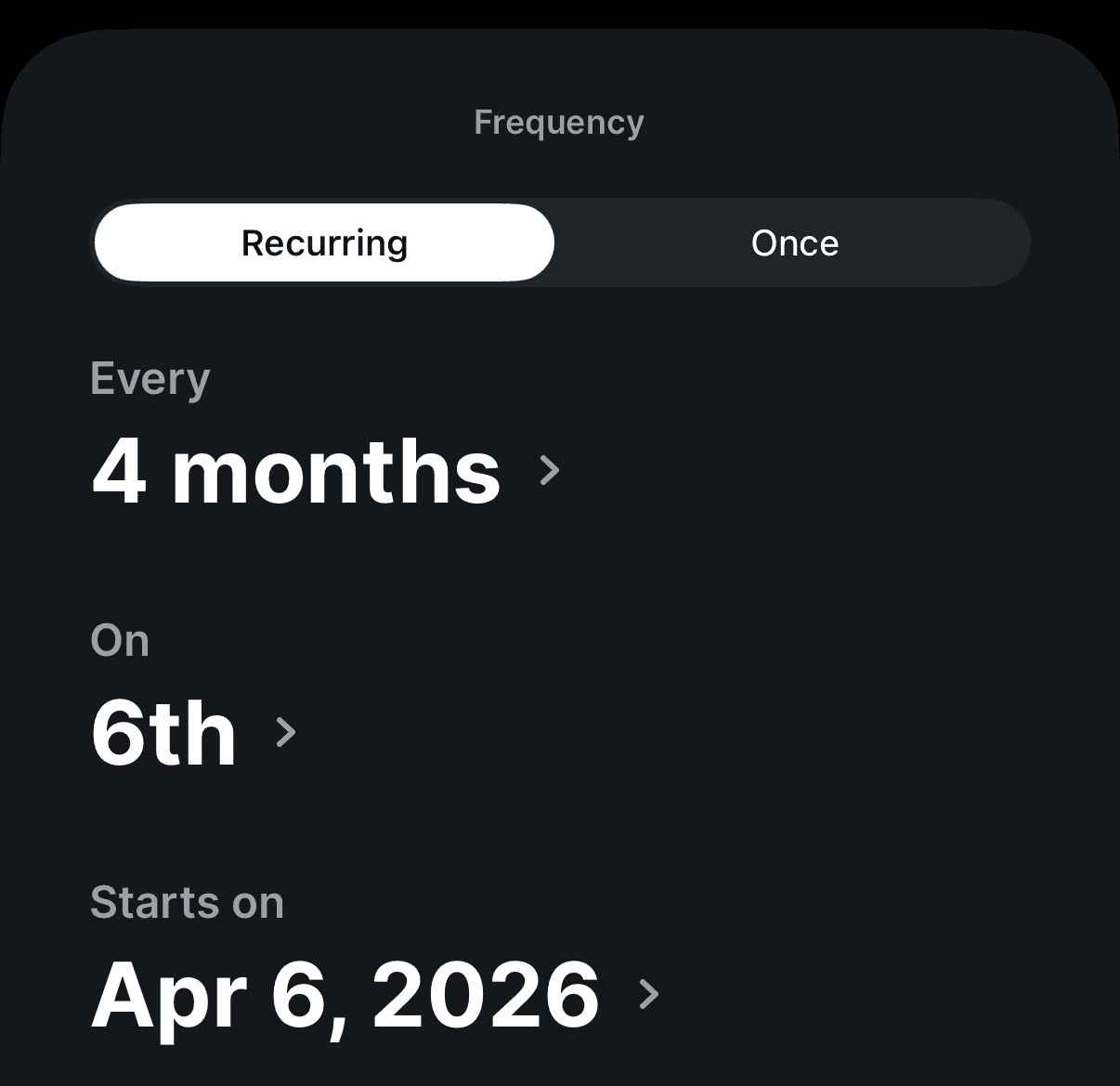
A budget tells Envelope how much you plan to have available and when you need it. Schedules can cover weekly bills, bills every two weeks, less-frequent expenses, and yearly costs. A date on the 29th, 30th, or 31st moves to the last day in shorter months.
Budget setup
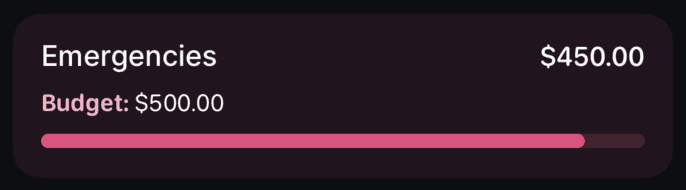
You can also set an amount without a frequency when you want to track a target but fund the envelope manually.
Budget without a frequency
Auto-Amount funding
Auto-Amount calculates how much an envelope needs from each paycheck to stay on track. It considers upcoming budgets and due dates, current envelope balances, the timing and size of income, other planned funding, and the money available to distribute.
To enable it:
Open the Envelopes tab.
Select an envelope and tap Edit.
Tap Add Funding.
Choose Auto-Amount.
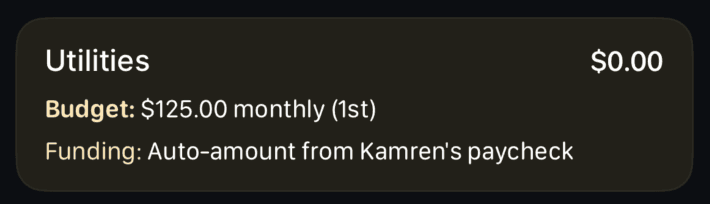
Auto-amount setup
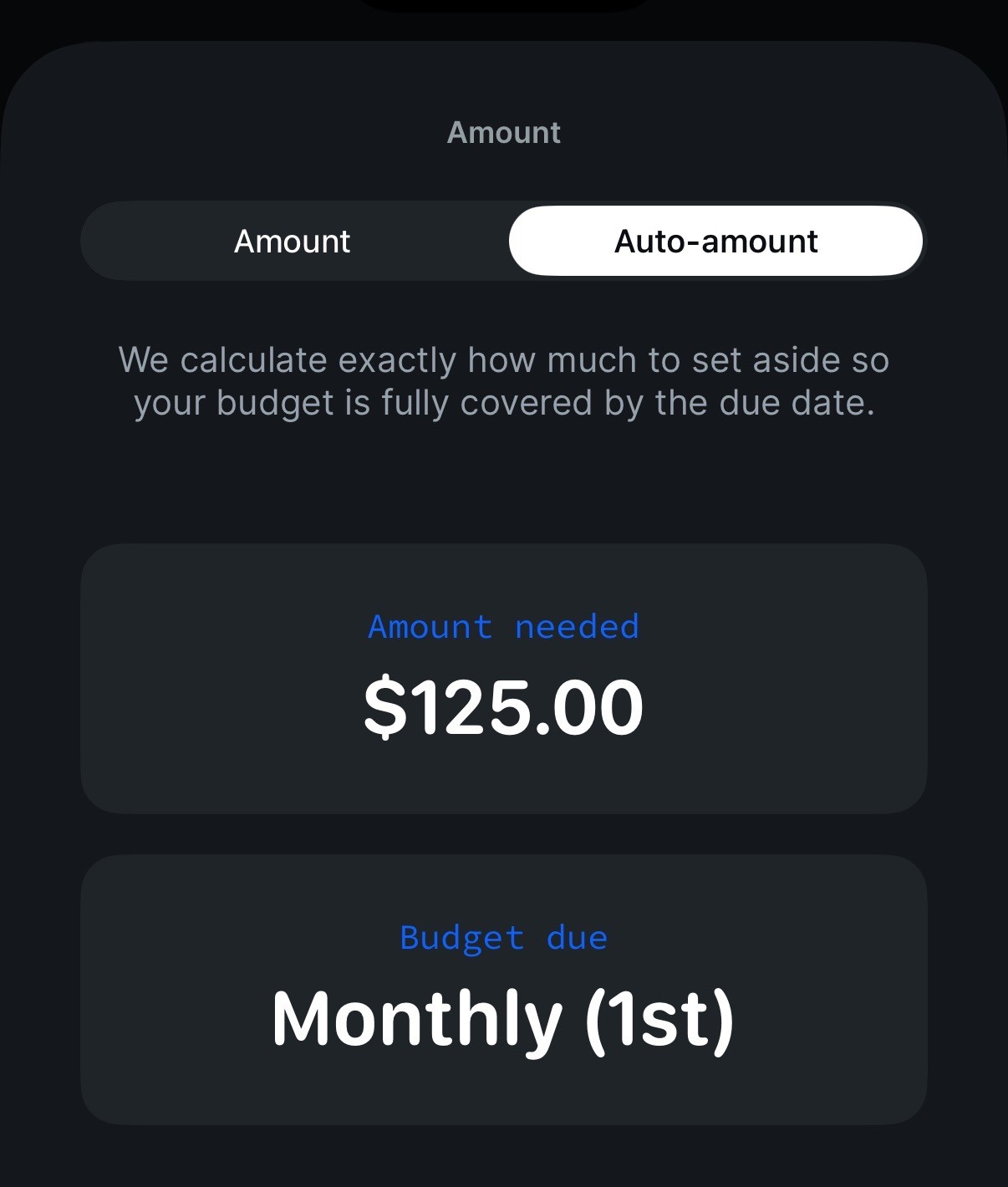
When Envelope has not seen a paycheck yet, it funds conservatively against budgets due soon. After more income arrives, it uses transaction history to estimate the paycheck schedule and distribute future funding more evenly.
Why Auto-Amount disables caps
Caps can prevent Envelope from setting aside enough for an upcoming expense. For example, if a later paycheck will not cover rent, Auto-Amount may reserve more from an earlier paycheck. For that reason, envelope caps are disabled while Auto-Amount is active.
Example: If an envelope's budget is "$100 every Monday", but you're paid once per month, then auto-amount funding would move ~$400 into the envelope every payday. Envelope caps would break this.
Flexible funding for shared and irregular income
An envelope can receive funding on multiple dates or from multiple paychecks with different amounts. This supports partners with separate pay schedules, irregular income, and annual expenses.
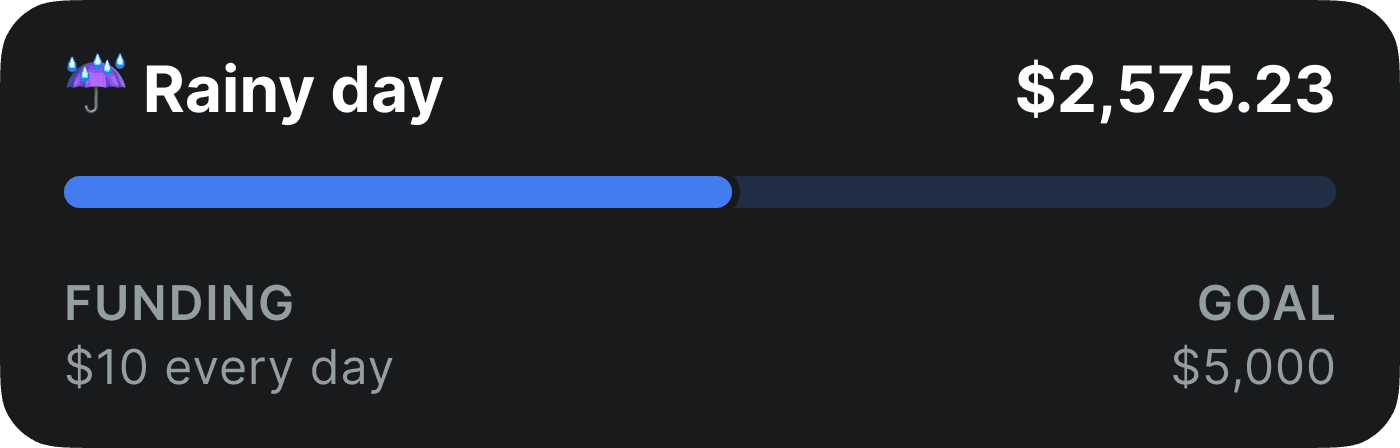
Progress bars
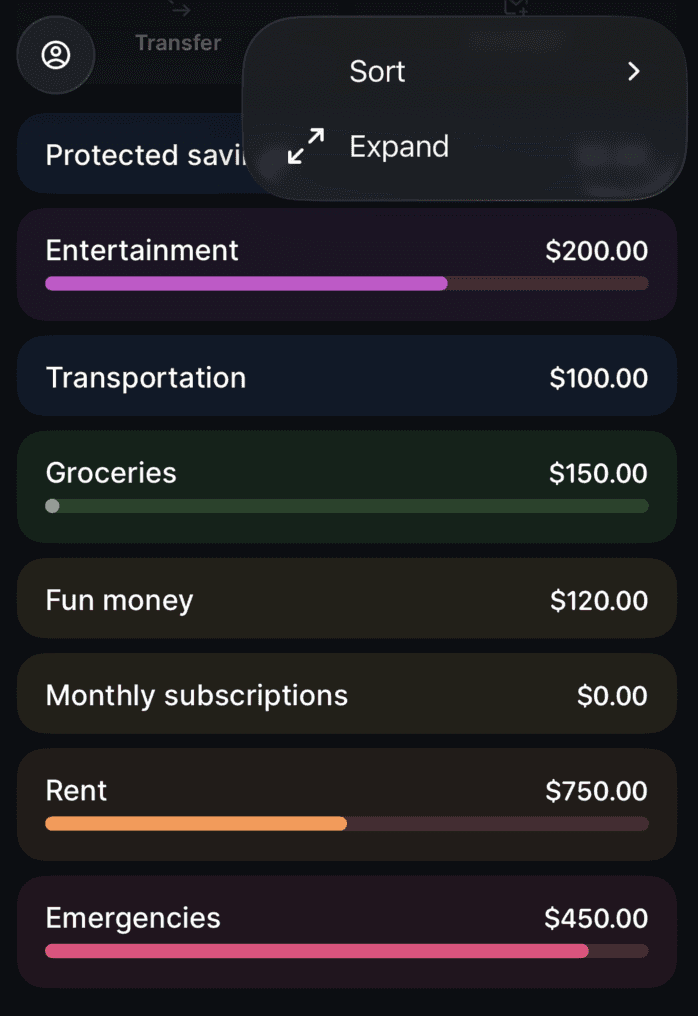
Progress bar setup