Transactions
Transactions
Virtual cards
Envelope provides a general virtual card and optional virtual cards tied to individual envelopes.
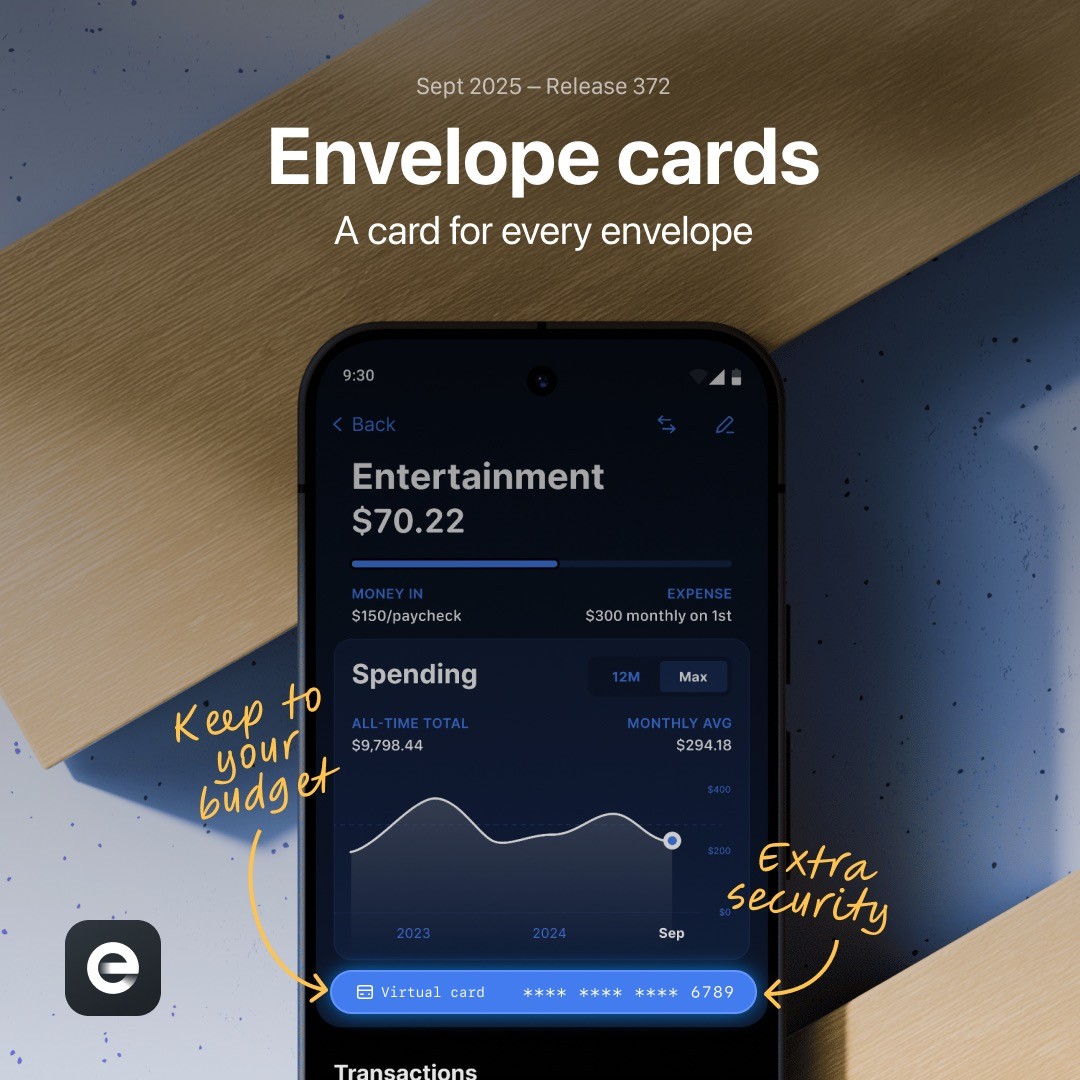
General virtual card
Every account holder receives a general virtual card. Find it at the top of the Account tab and use it for online purchases, bills, mobile wallets, and other card-not-present transactions.
Envelope cards
An Envelope card is a virtual debit card connected to one envelope. Its spending limit follows the money available in that envelope, and purchases are assigned there automatically.
Envelope cards are useful for:
Recurring subscriptions
Utilities and phone bills
Insurance payments
Merchants that should never draw from other budget categories
Replacing a merchant-specific card number without replacing the physical card
Create an Envelope card
Open the envelope you want to use.
Open its settings.
Add a virtual card.
Copy the card details to the merchant or supported wallet.
Funding or spending from the envelope changes the available card limit. If a merchant attempts to charge more than the envelope balance, the transaction may be declined.
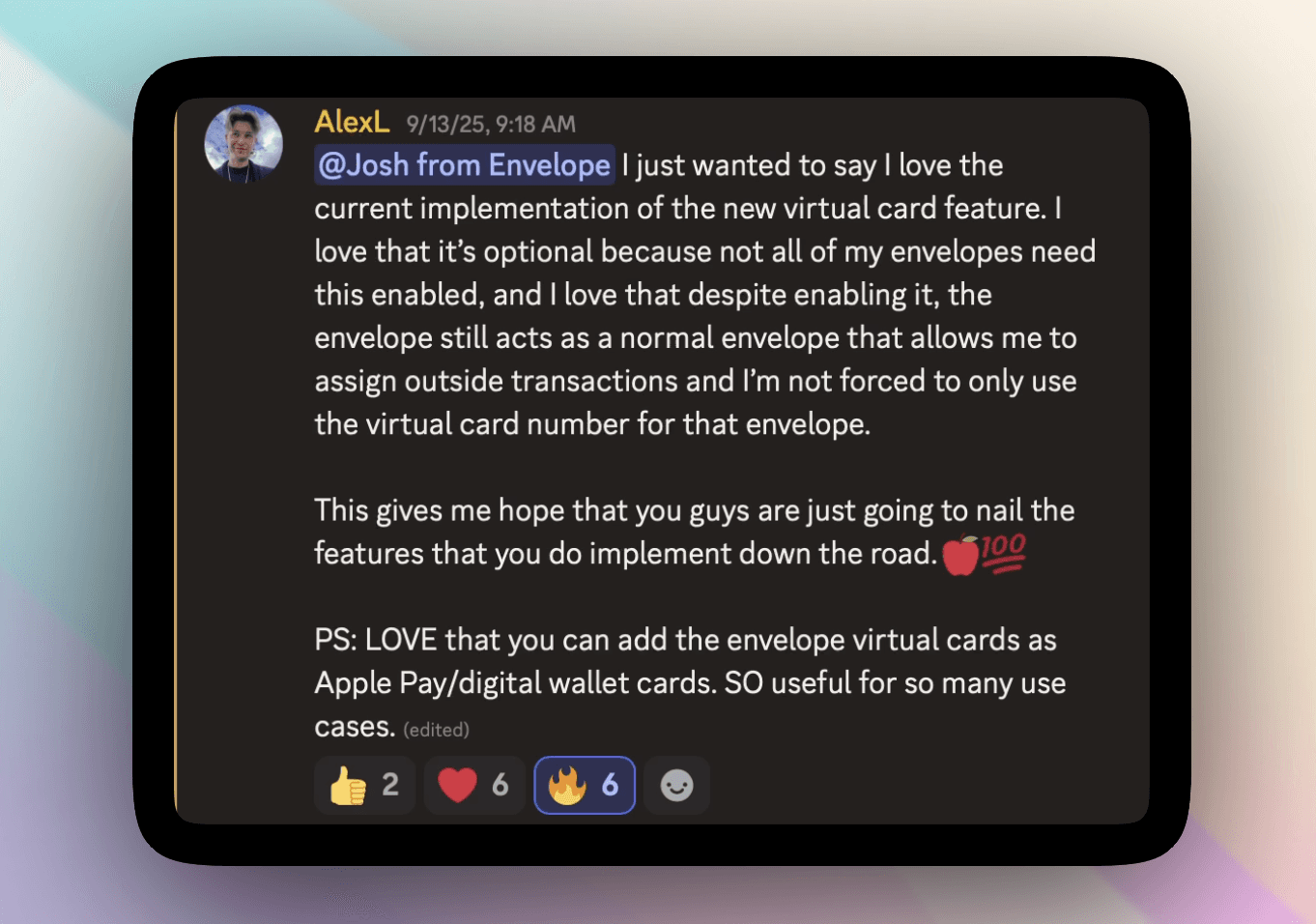
Envelope cards are optional. You can continue using the general virtual card and physical card with the standard transaction-assignment flow.