Transactions
Transactions
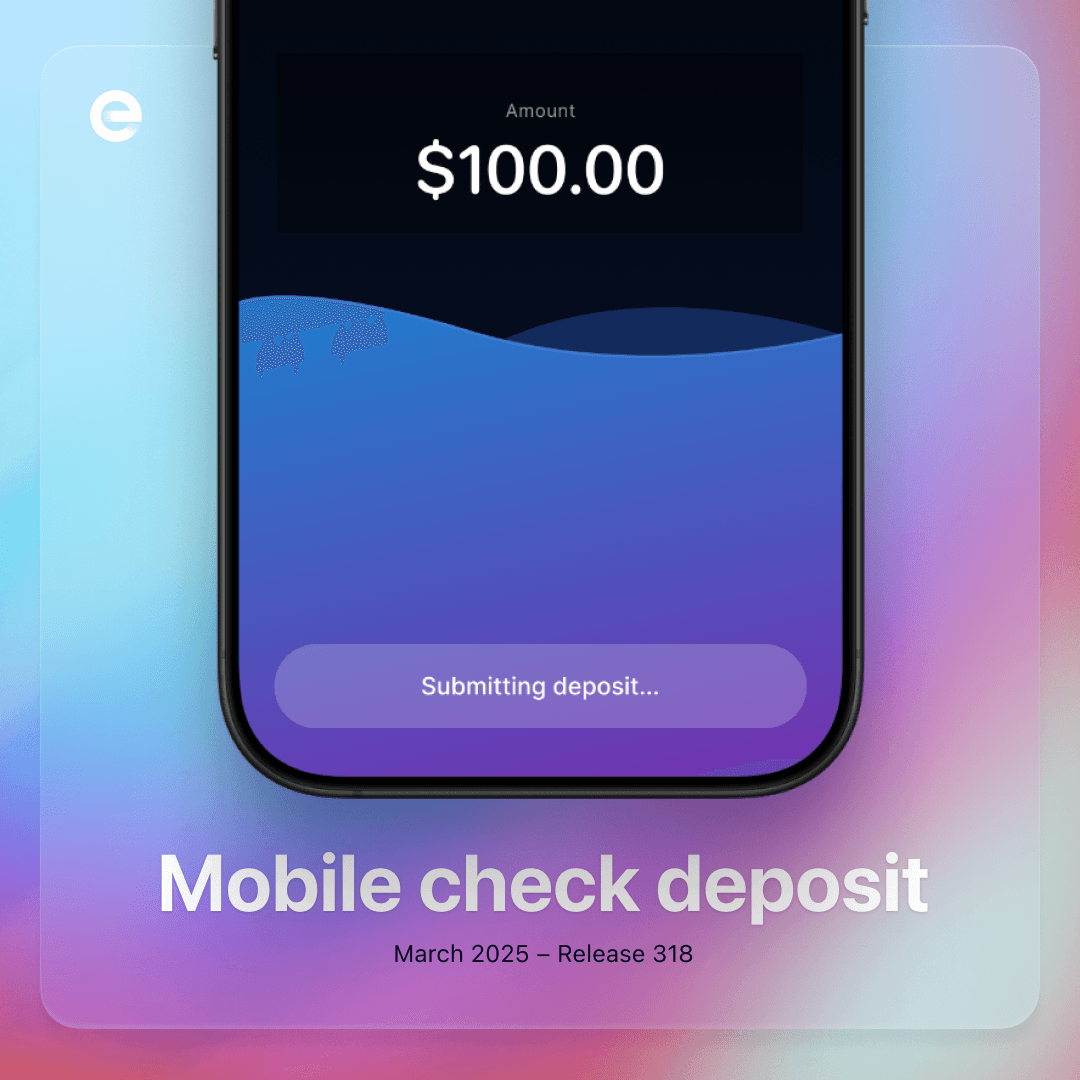
Mobile check deposit
Mobile check deposit lets you photograph and submit an eligible paper check from the Envelope app.
Before depositing
Confirm that the check is payable to an owner of the Envelope account.
Make sure the check is legible, undamaged, and has not already been deposited.
Check the current mobile-deposit limits.
Deposit the check
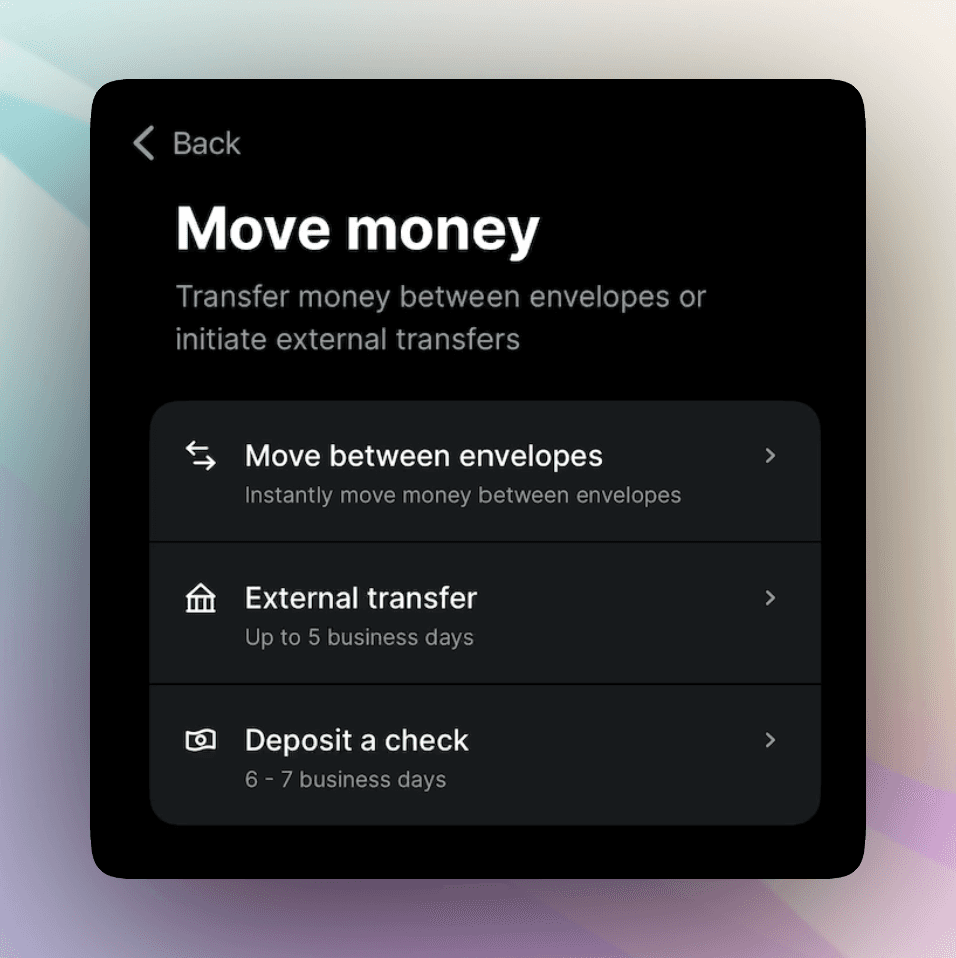
Open Envelope and select Move Money.
Tap Deposit a Check.
Enter the check amount.
Sign the back and write For mobile deposit only at PWB.
Place the check on a flat, dark, well-lit surface.
Photograph the entire front and back when prompted.
Review the amount and images, then submit.

Processing generally takes several business days and may take longer when additional review is needed. Keep the original check in a secure place until the deposit is fully available and any retention period shown in the app has passed. Then destroy it securely.
Do not submit the same check through another bank or a second time in Envelope.